
Choose the keyer behavior
Set menu items 012 through 014 for keyer type, paddle direction, and weighting.
An original CW599 workflow for getting this radio ready to listen and send. It does not reproduce the manufacturer manual; confirm exact labels, options, and firmware behavior with the official resource before transmitting.
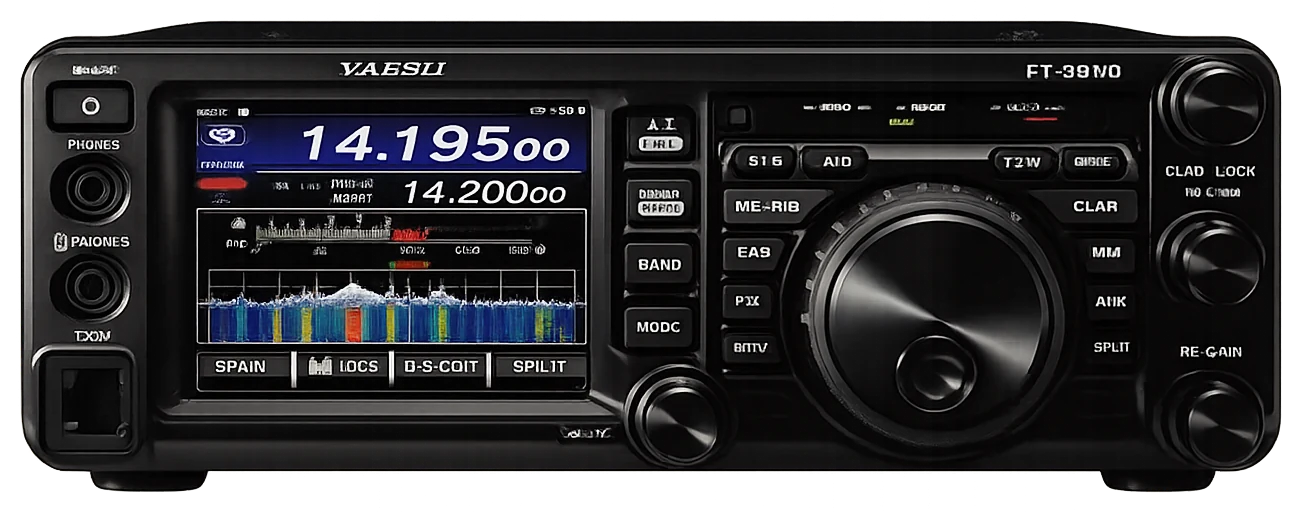
Use this order as an operating checklist, not as a replacement for the radio manual. Controls and available options can vary by firmware and region.
Set menu items 012 through 014 for keyer type, paddle direction, and weighting.
Use the CW pitch and speed controls before making an on-air call.
Use menu 056 for CW BK-IN Type and retain a conservative delay while testing.
Confirm CW frequency display, APF width, and receive filtering for the band you are using.
Configure computer keying and stored text only after manual operation is stable.
Search the model-specific CW controls below. Menu labels and ranges are drawn from official documentation; the notes are original CW599 operating guidance.
MENU 012 KEYER TYPECW599 note: Select the mode that matches your actual key or paddle.
MENU 013 KEYER DOT/DASHCW599 note: Change only if the paddle sends the opposite element.
MENU 014 CW WEIGHTCW599 note: Start neutral and make small changes only after careful listening.
CW pitch controlCW599 note: Choose a receive note that stands apart from nearby CW.
MENU 055 CW AUTO MODECW599 note: Use automatic CW selection only when its behavior is familiar on your operating band.
MENU 056 CW BK-IN TYPECW599 note: Semi break-in is the safest first choice for a new station configuration.
MENU 057 CW BK-IN DELAYCW599 note: Reduce delay gradually after confirming station switching.
MENU 058 CW WAVE SHAPECW599 note: Use the default shaping unless a measured station need suggests otherwise.
MENU 059 CW FREQ DISPLAYCW599 note: Choose one display convention and keep it consistent while learning.
MENU 060 PC KEYINGCW599 note: Enable only for a known, tested computer-control connection.
MENU 061 QSK DELAY TIMECW599 note: Fast break-in timing should be tested with all external equipment active.
MENU 111 APF WIDTHCW599 note: Use this together with careful tuning, not as an automatic cure for interference.
No matching settings. Try a shorter search or clear the search and category.
These are original operator-oriented starting points. They are not factory presets and intentionally avoid claiming model-specific default values.
A calm setup for learning the radio.
A patient workflow for signals close to noise.
For operators who need quicker station turnaround.
Use the manufacturer-controlled product and support pages to verify your region, firmware, menus, connector wiring, operating limits, and safety information. CW599 does not host, mirror, or reproduce the manual.